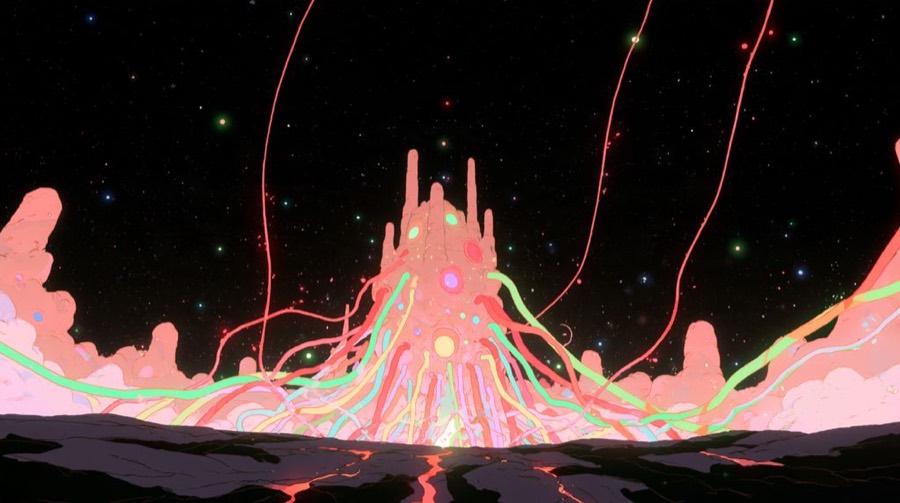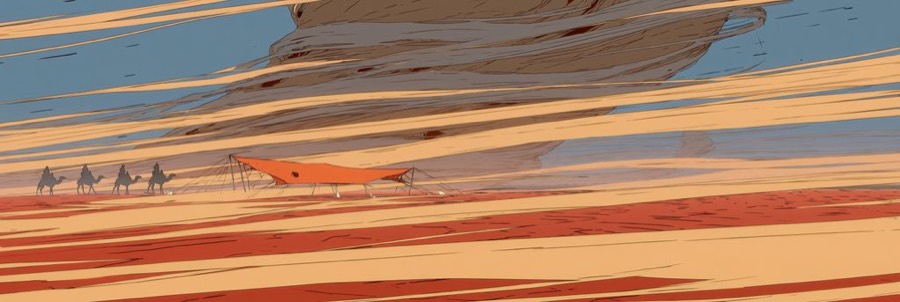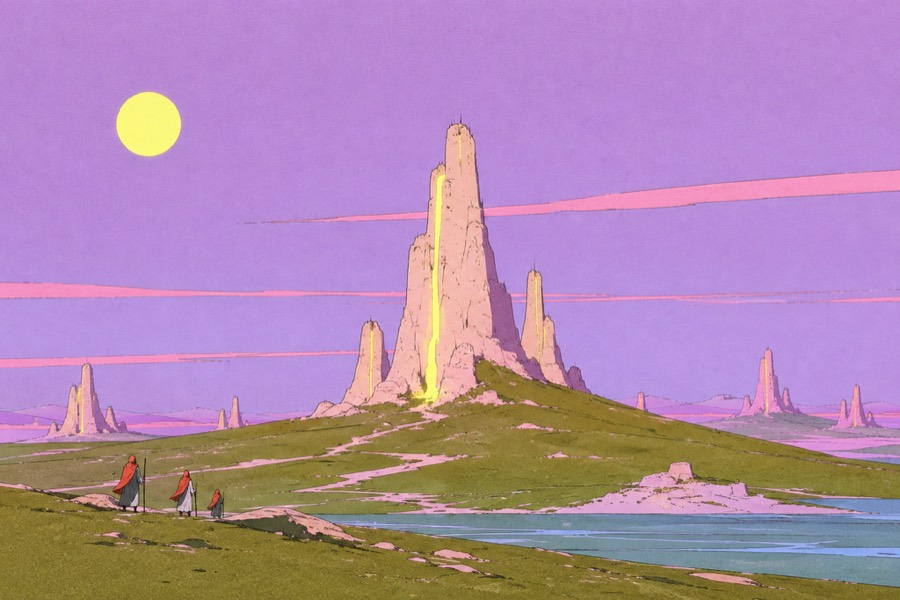
Copy a style, the model prompts a world for you
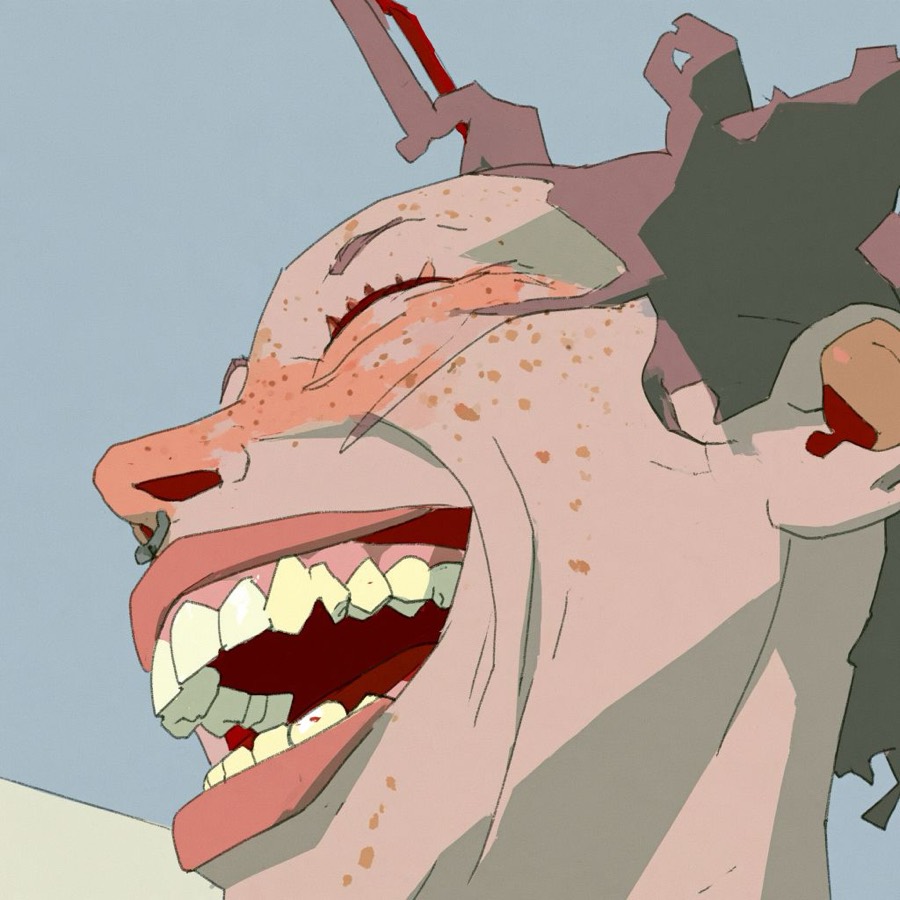
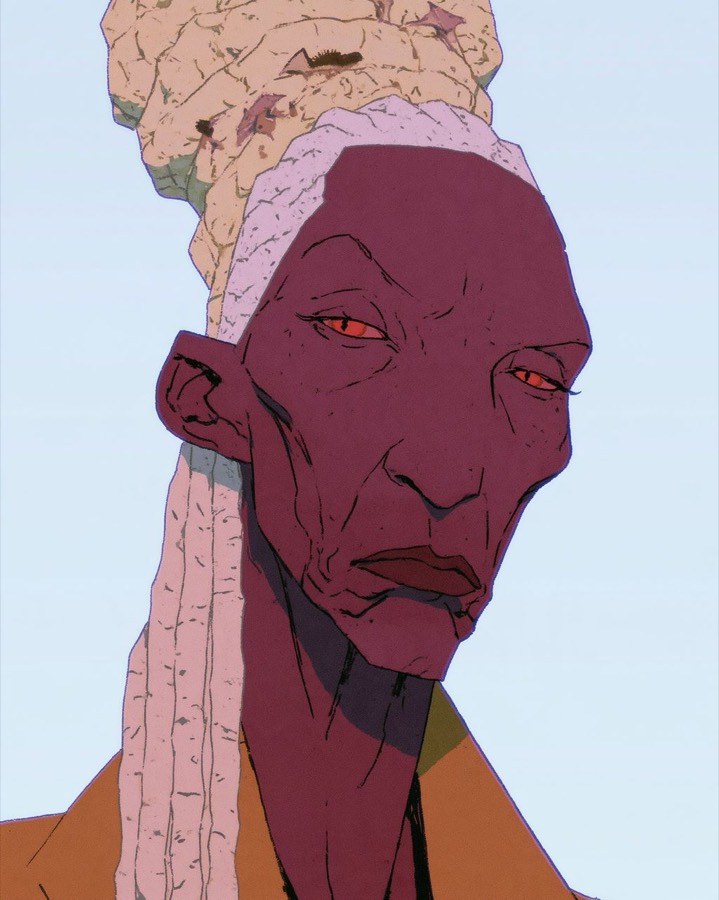
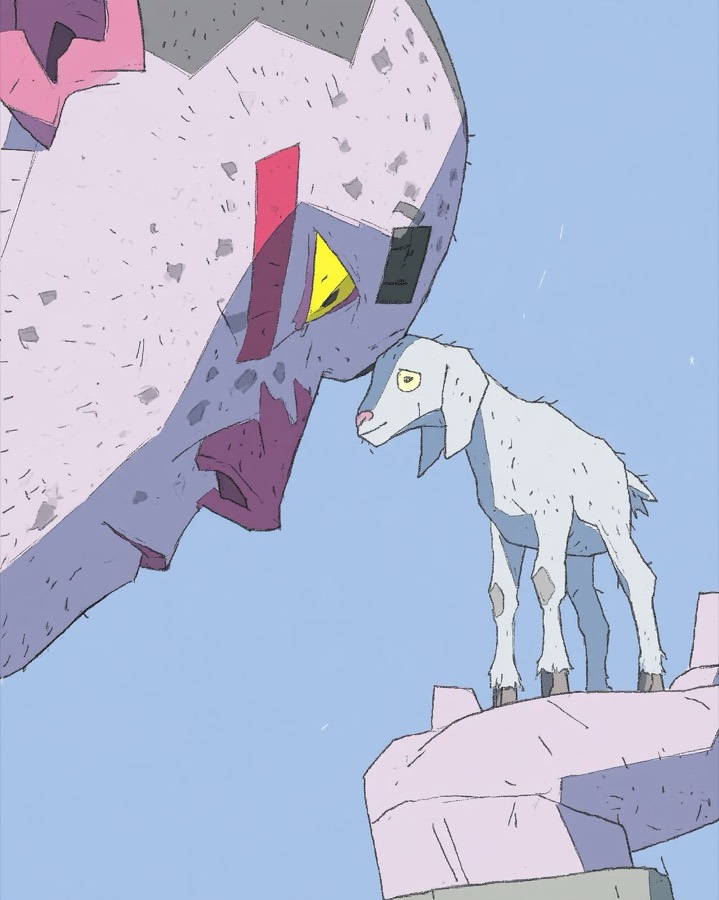
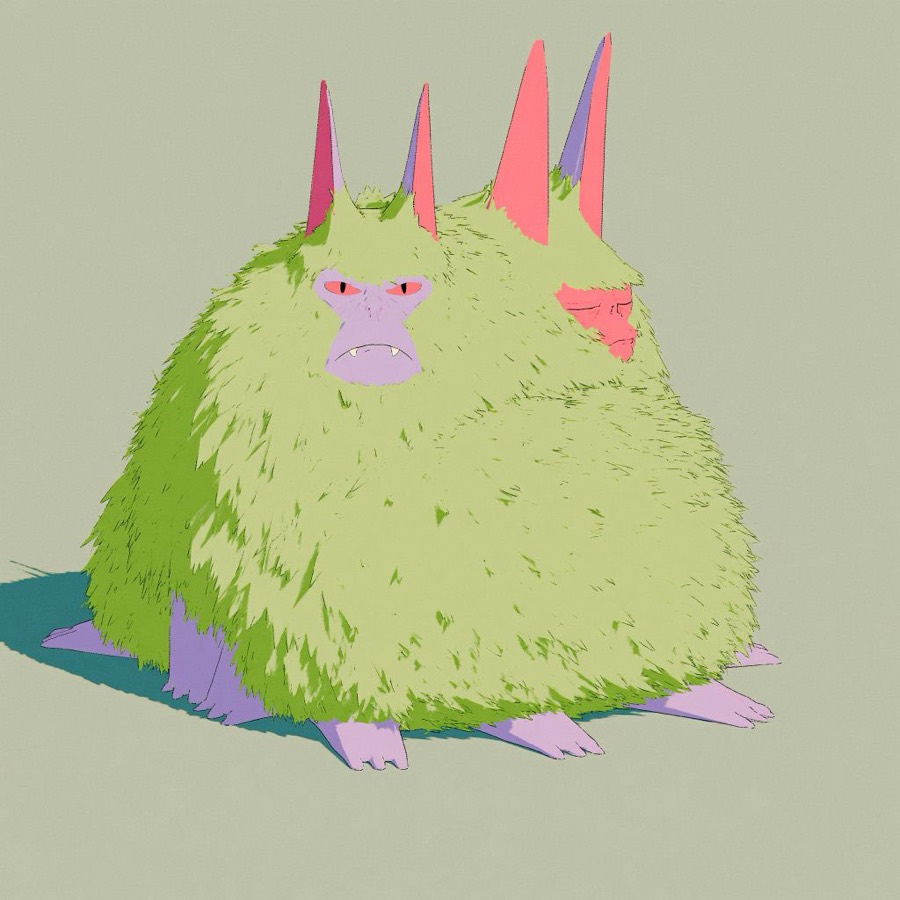
How the Grok Imagine Agent world was most likely made. Reference images went in, AI wrote every prompt, and the human's job was choosing what to keep. A reconstruction based on clues in the original write-up. All images are from that page.
The claimed pipeline
World first, images second
- Imagine a planet, its people and their rituals.
- Define colours, framing and texture.
- Write prompts for moments from that world.
- Generate and animate in Grok.
The real pipeline
Copy images first, write the world backwards
- Every lore detail matches an image already on the page.
- The colour table reads like hex codes picked from reference images.
- The example prompt describes lens feel and print errors, which you notice when describing a picture, not when imagining one.
- The page itself has the hedged, tidy voice of a model's writing.
Collect references
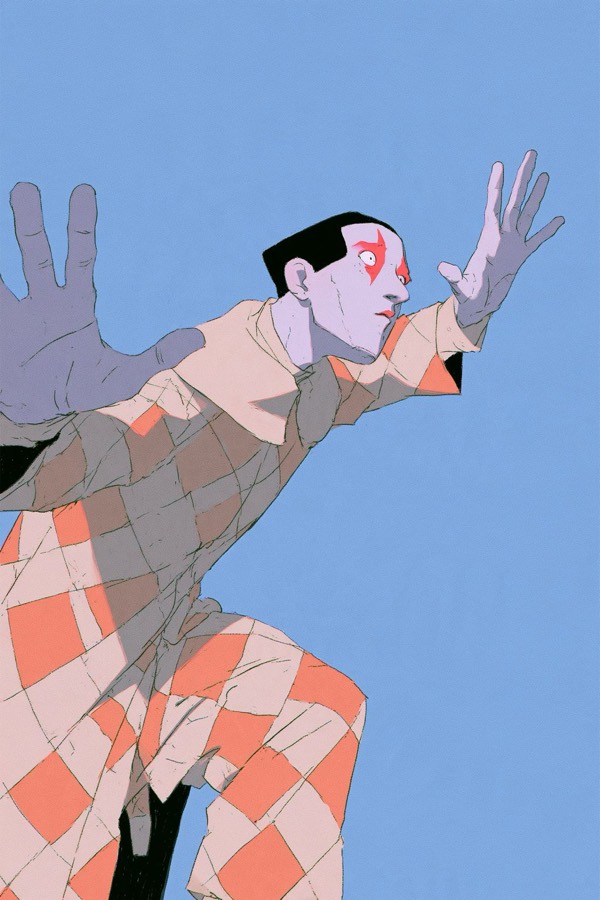
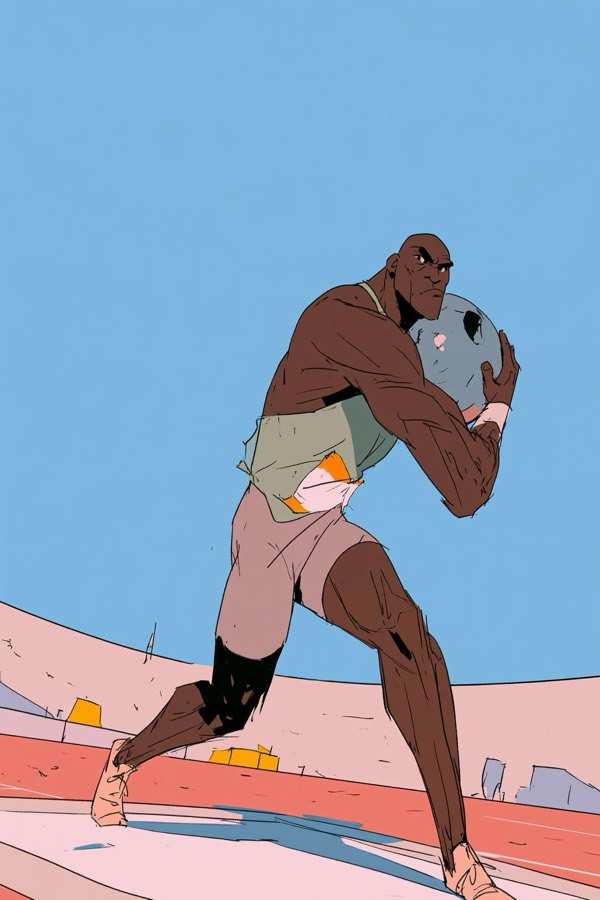
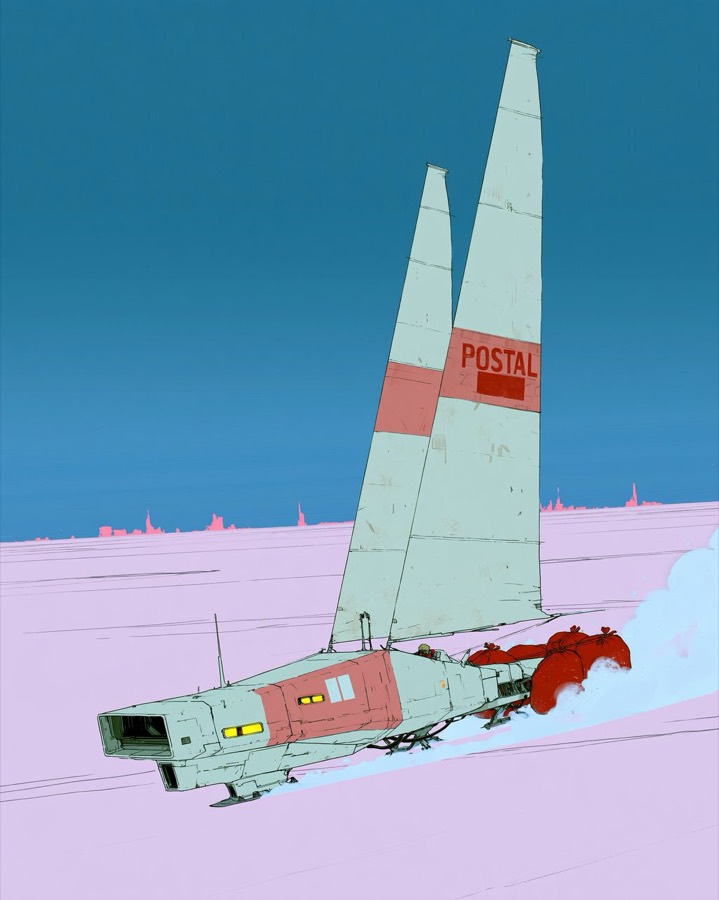
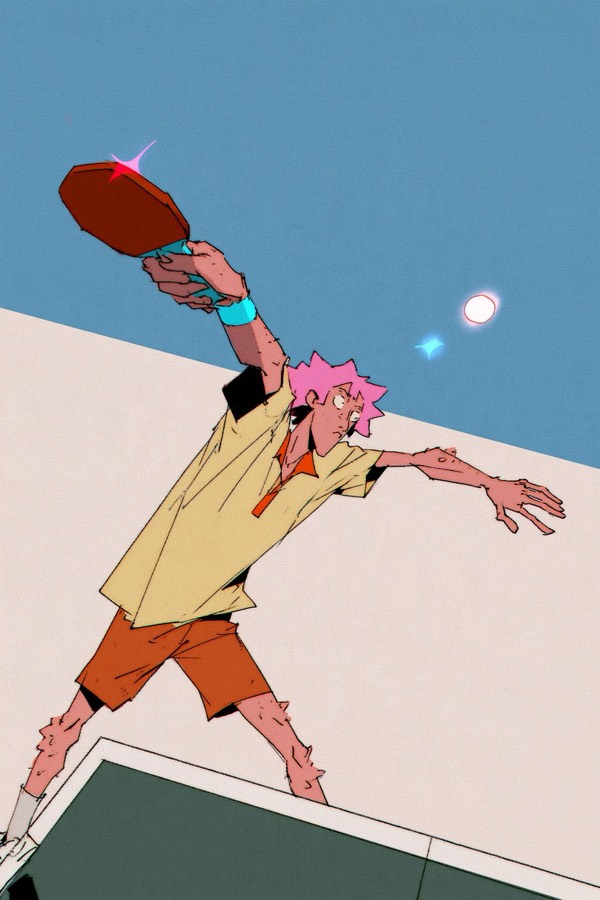
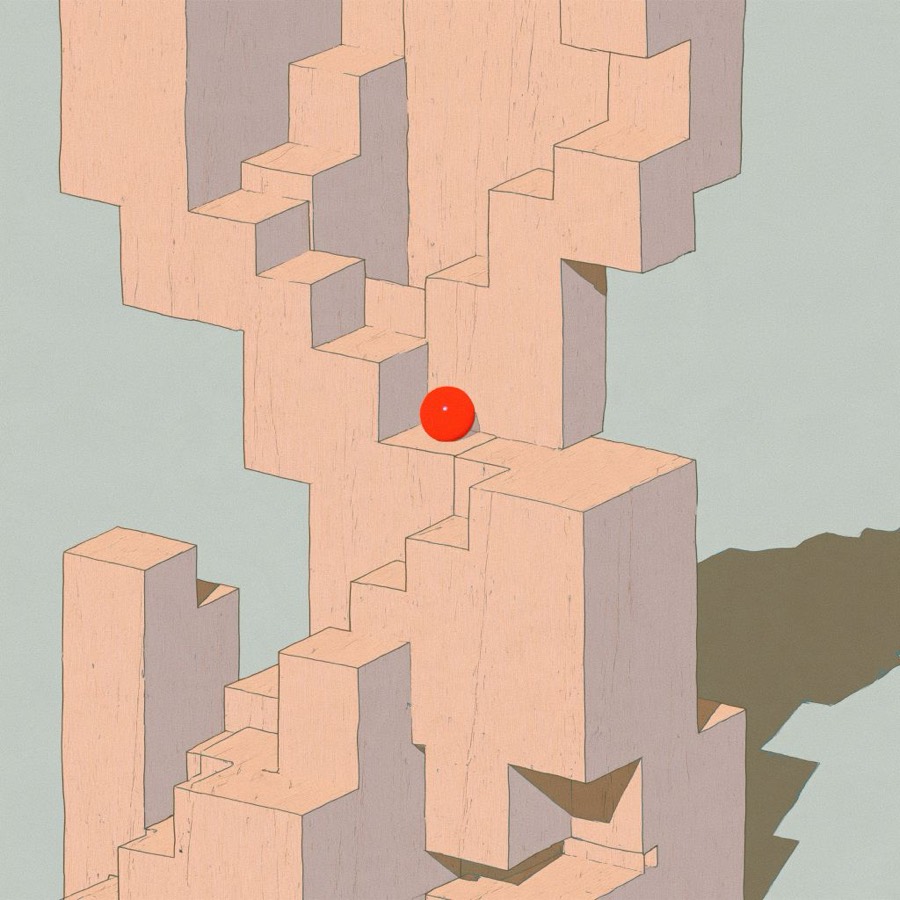
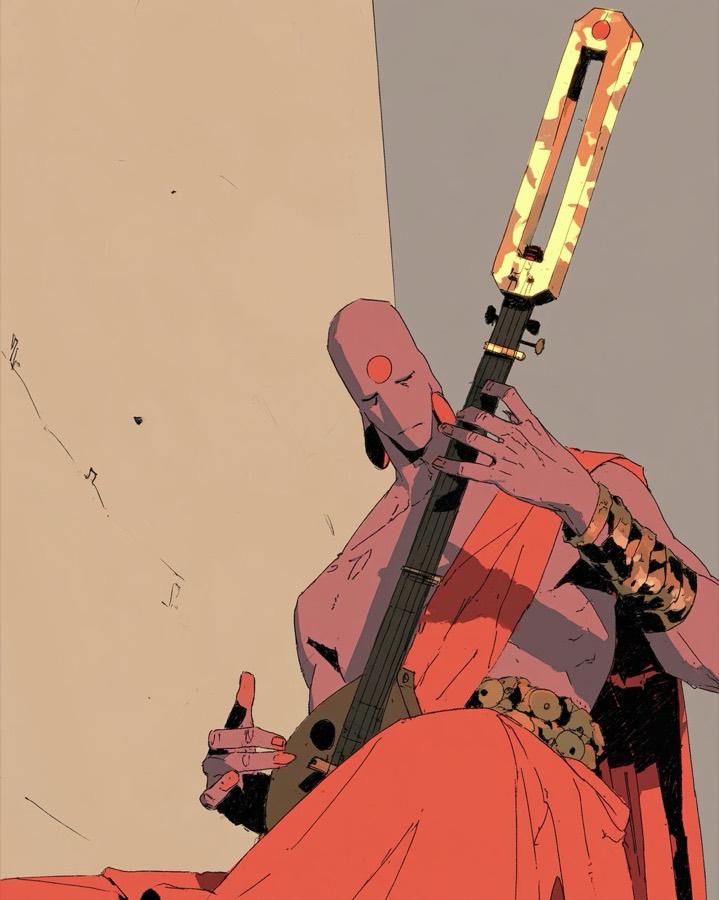
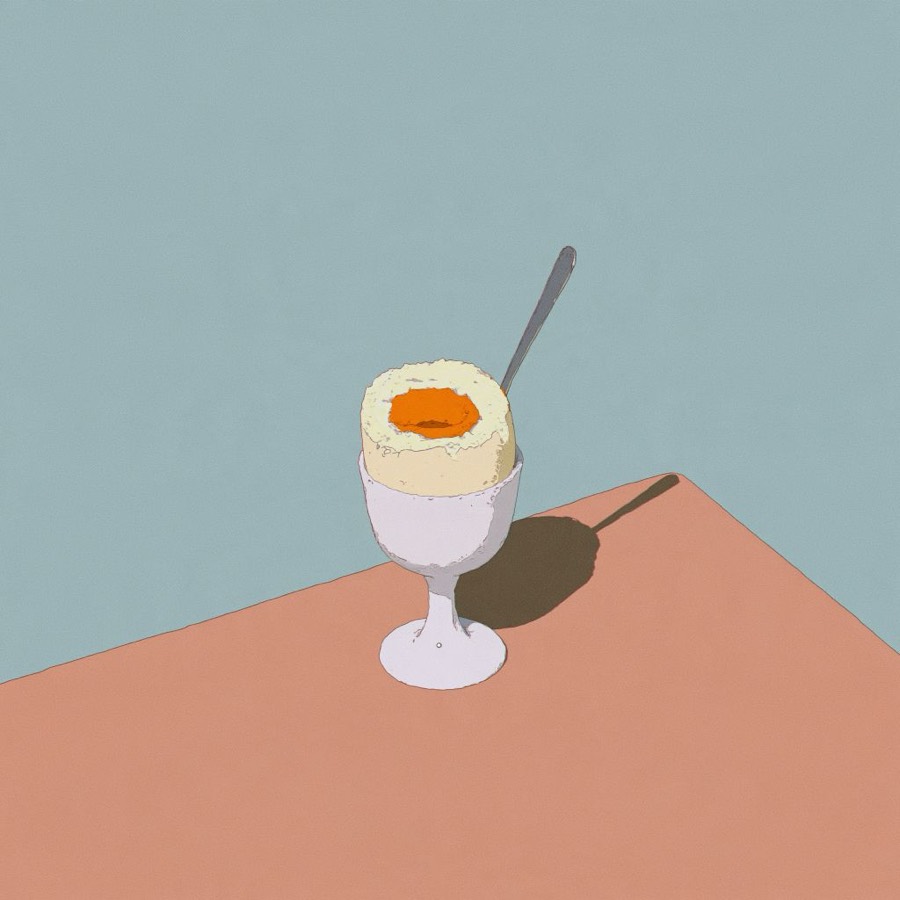
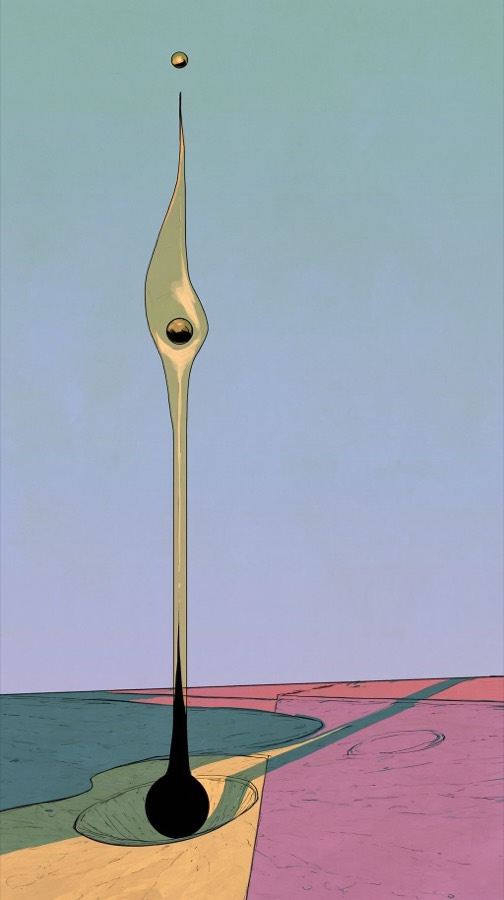
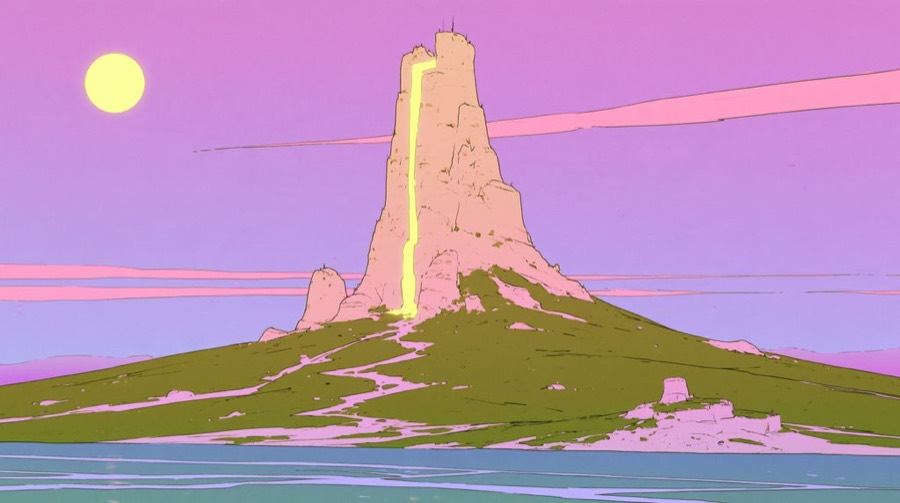
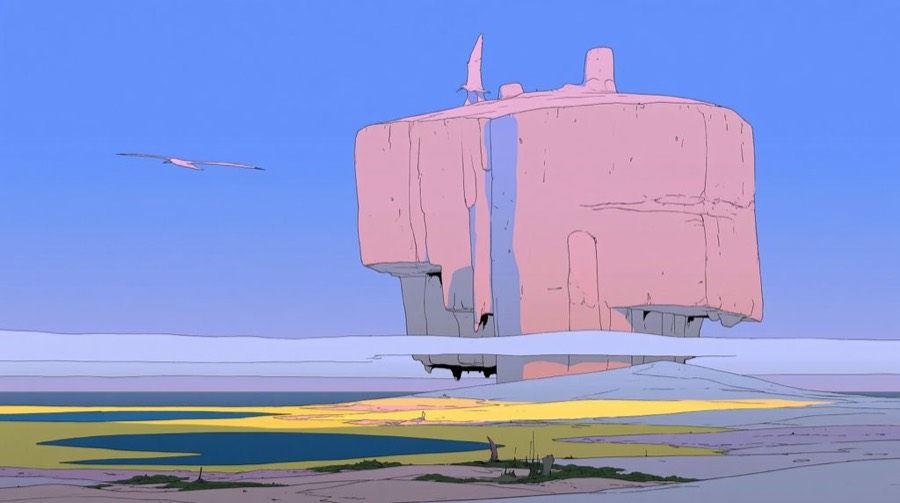
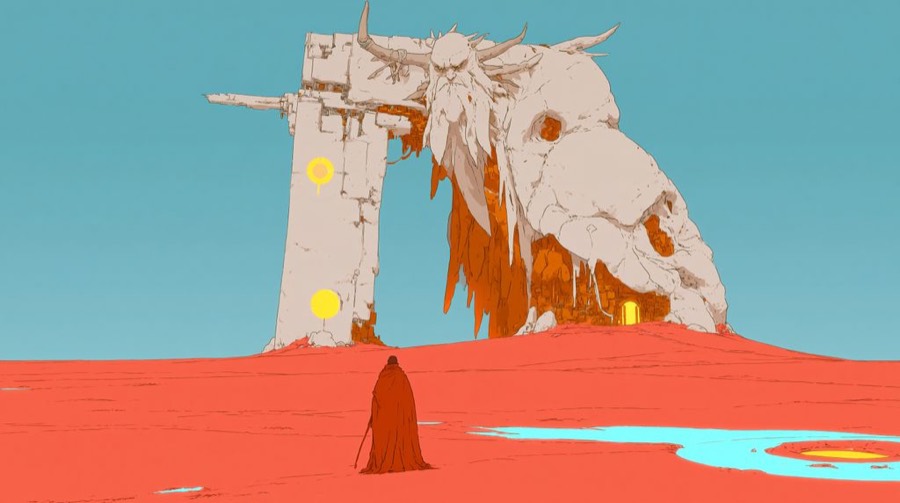
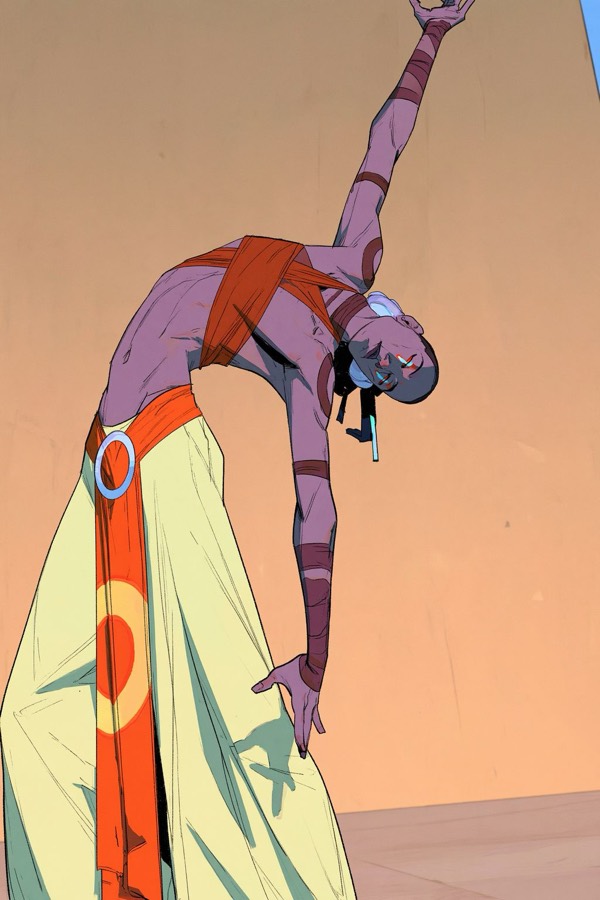
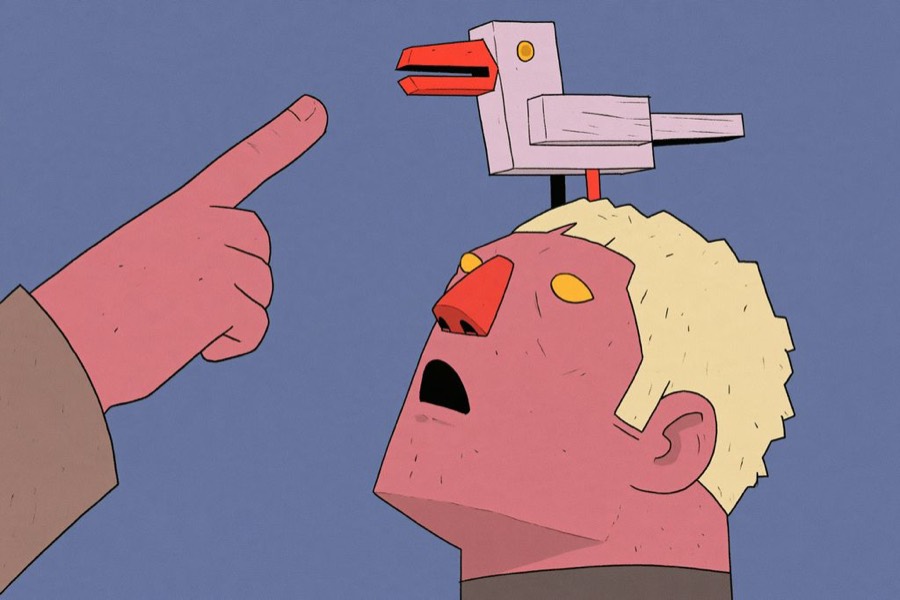
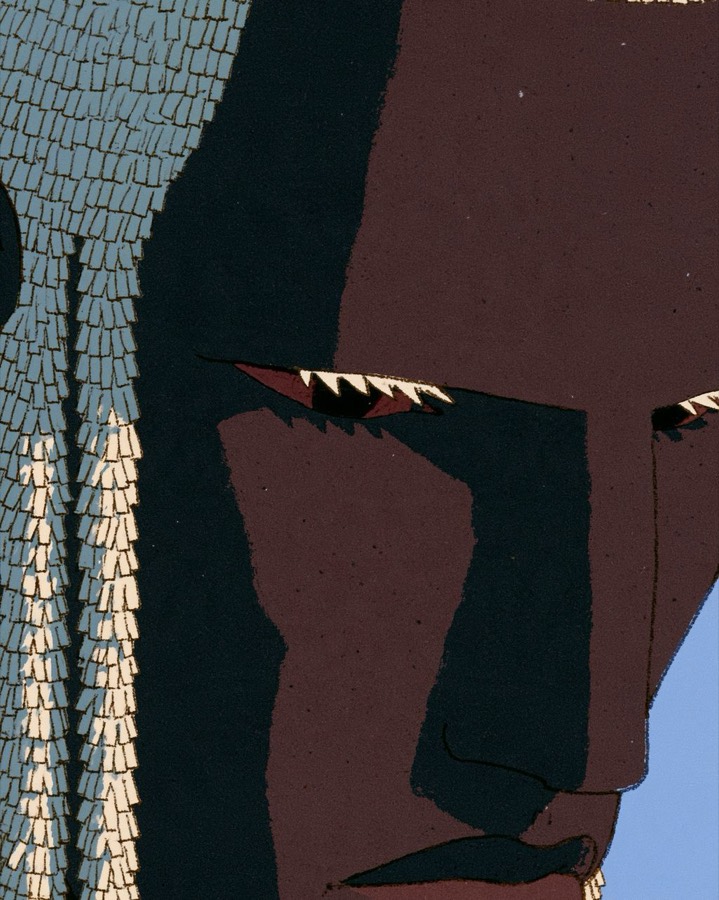
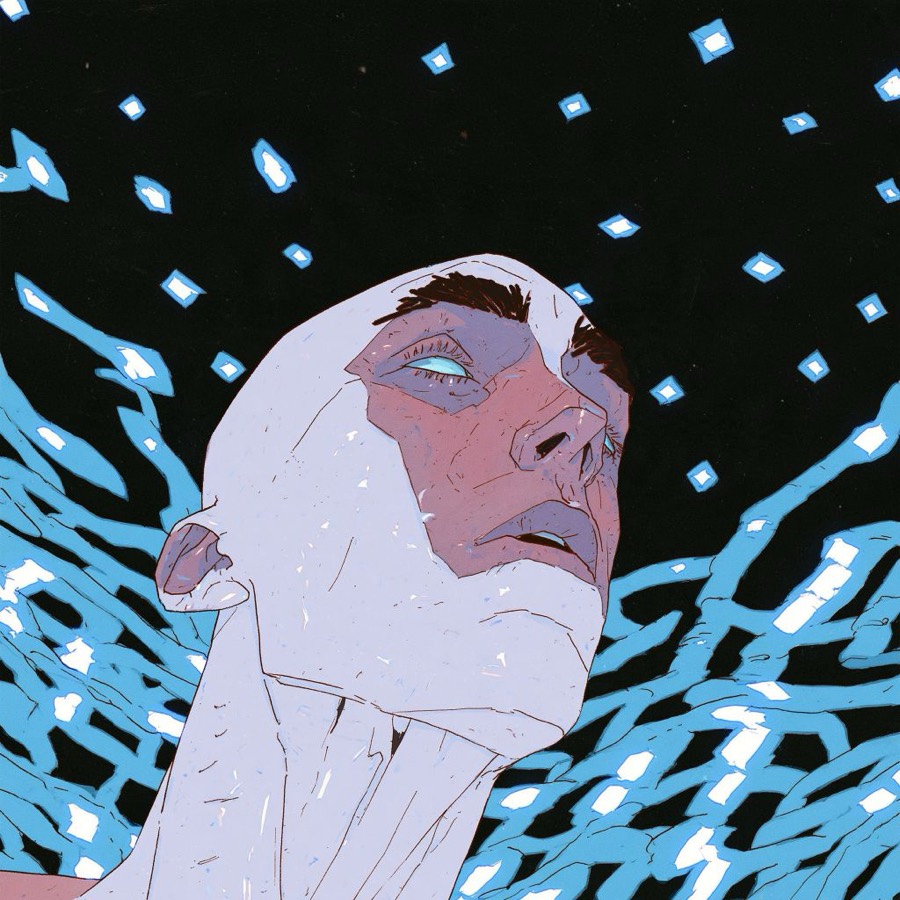
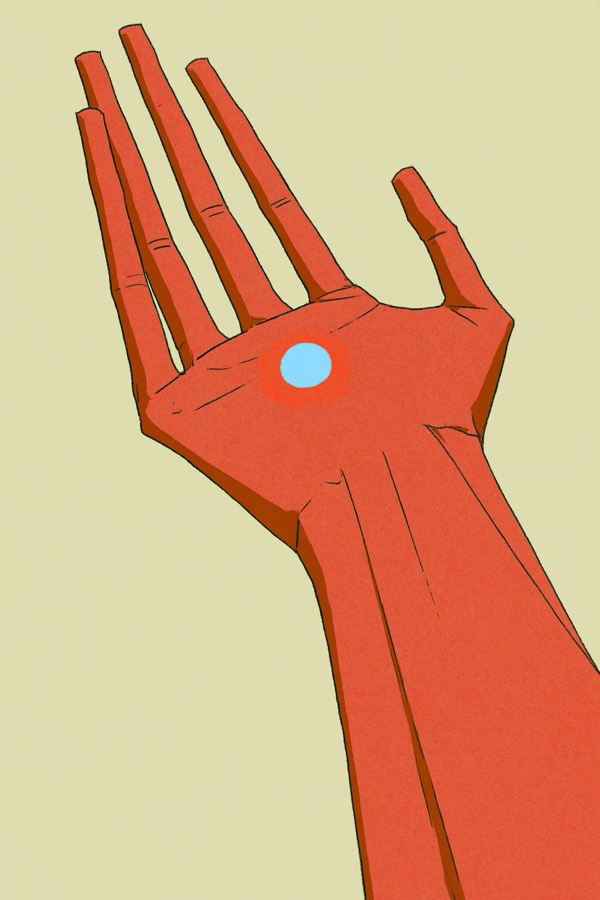
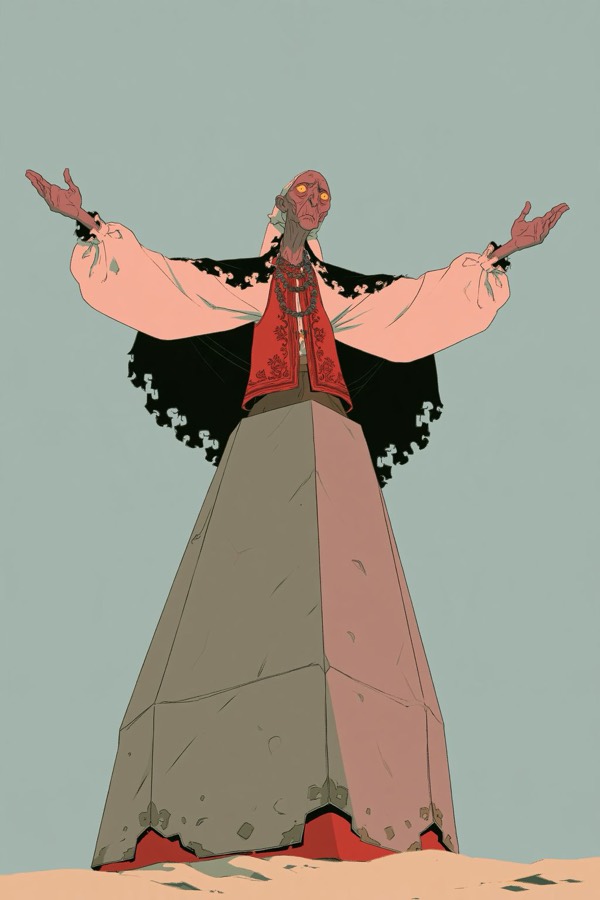
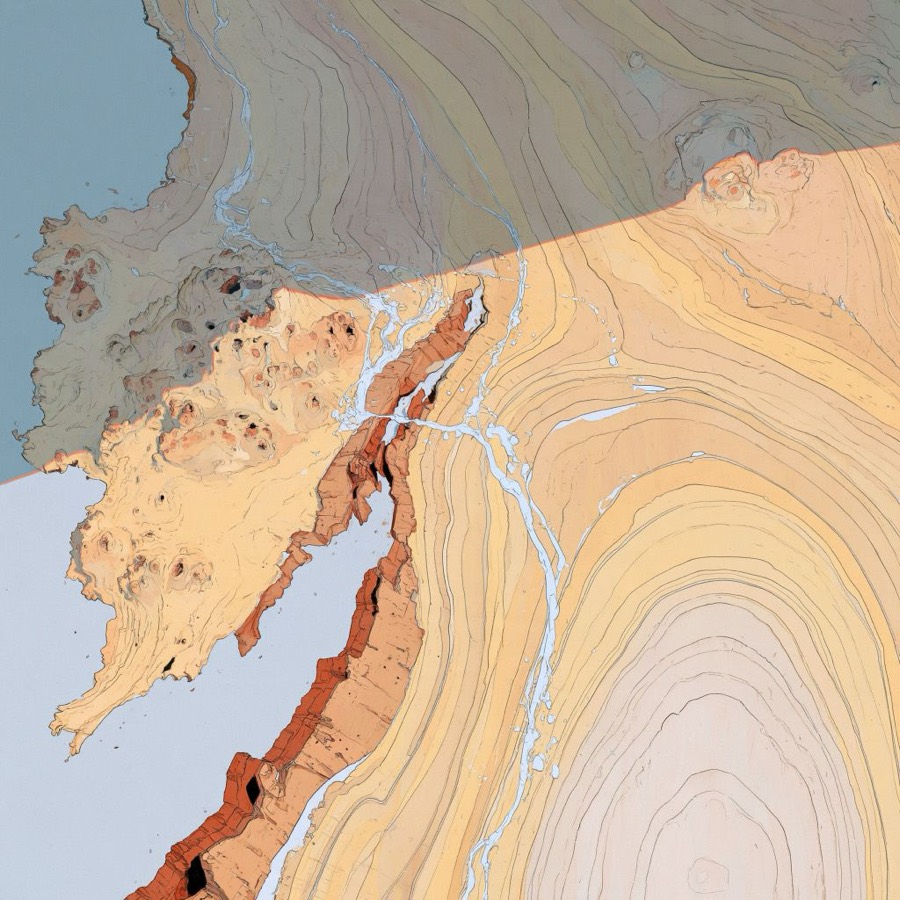
Steal 8 to 15 images that share one look. Here that look is 1970s French science-fiction comics: dusty pastels, clean ink outlines, flat colour, printed grain.
- Pick images that agree on palette and line. Mixed references give mixed results.
- Include a few faces, a few landscapes and a few close-ups so the style covers every kind of shot.
- Name the files plainly (ref_01.jpg and so on). You will refer to them later.
Why it works: nobody can own a style, but specific artworks are protected. The references teach the look; never publish an output that copies a specific panel.
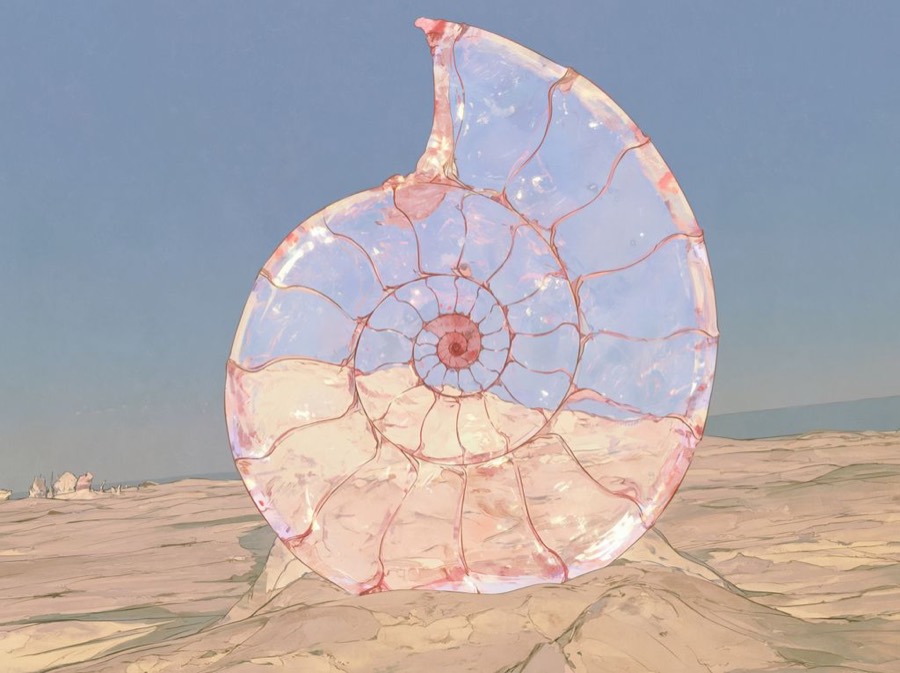
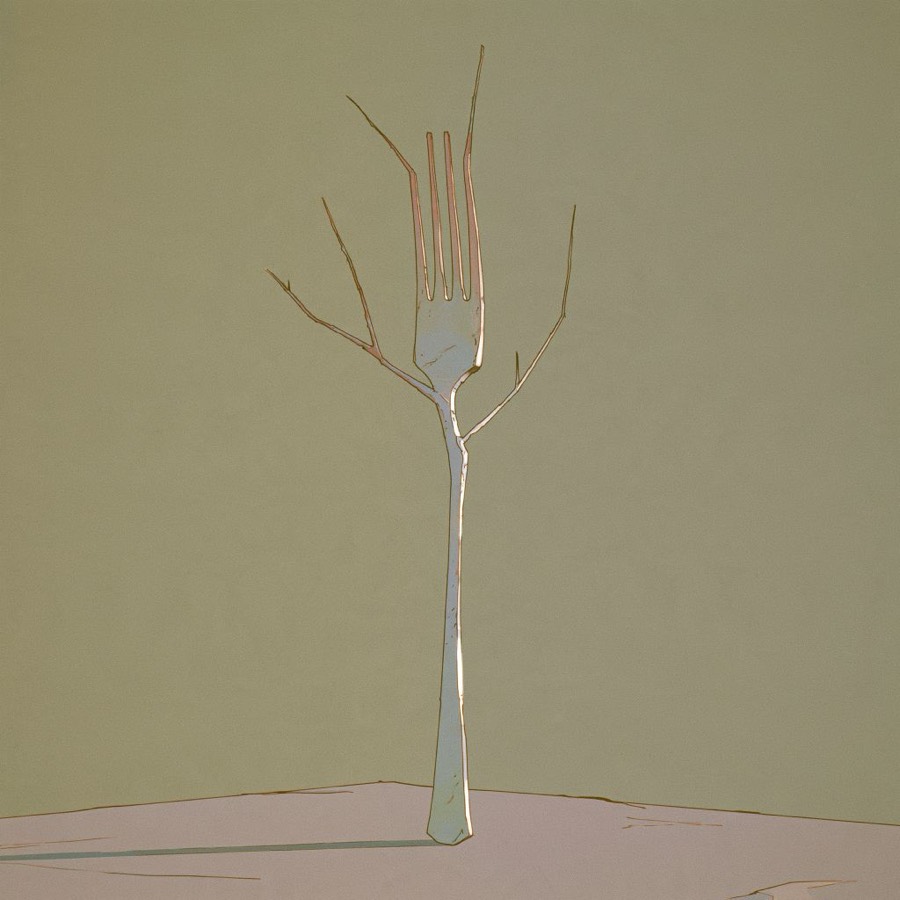
Let a model write the style and the world
Upload the references to a chat model that can see images (Grok, ChatGPT, Claude or Gemini). Ask it two things in a row: describe the style, then invent a world that explains the pictures.
Act as an art director. Treat these images as one visual style. Write a style bible I can paste into an image generator:
1. Palette: 8–10 hex codes, each with a name and a role (ground, shadow, accent, line).
2. Linework: weight, how outlines break, hatching.
3. Fills and shading: gradients or flat, how shadows are drawn.
4. Texture: grain, print errors, paper.
5. Framing habits: crops, angles, scale of figures.
6. The art movement and decade it belongs to.
7. Ten things this style never does.
Use only details you can see. No vague adjectives.
For each image, write one line: what is happening, who is there, and one strange detail.
Then write a world bible that would explain all of them: land and sky, buildings, plants, people (faces, bodies, clothes, mood), creatures, daily work, rituals, food and play.
Every detail must trace back to at least one image. Then list 40 new moments from this world, one line each.
Why it works: the lore is built from the pictures, so every new prompt asks for something the style already knows how to draw. That's why the original world feels so consistent.
Palette a model would pull from these references
World details captioned from images
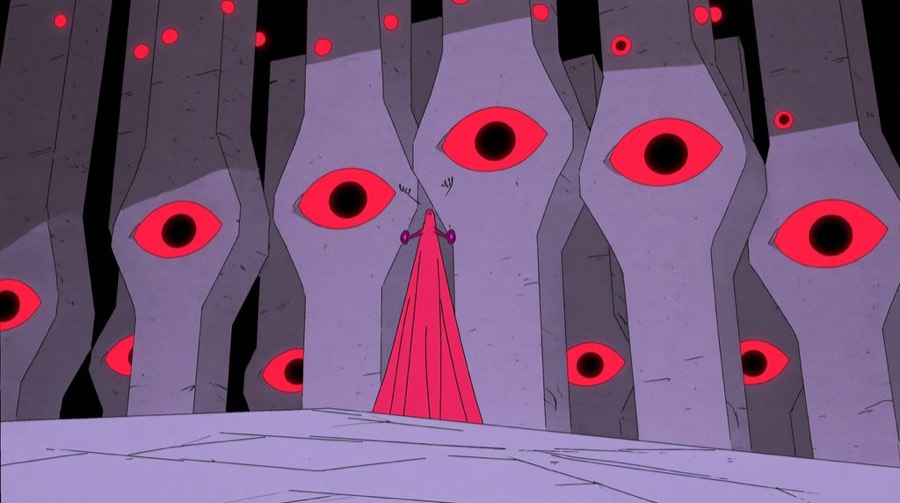
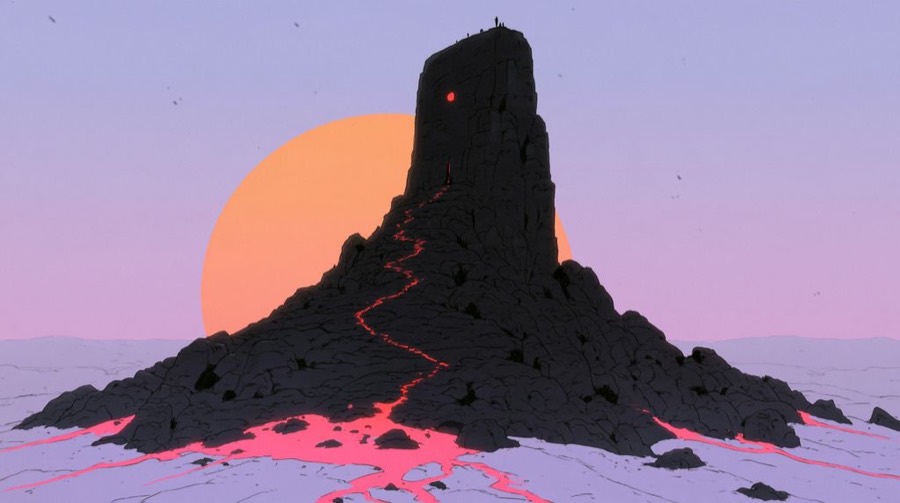
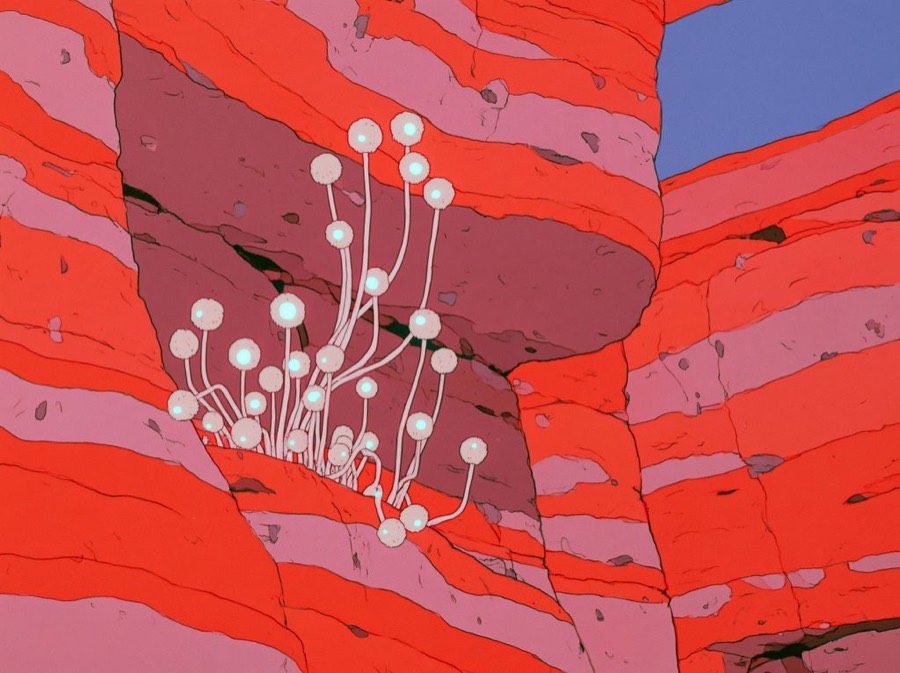
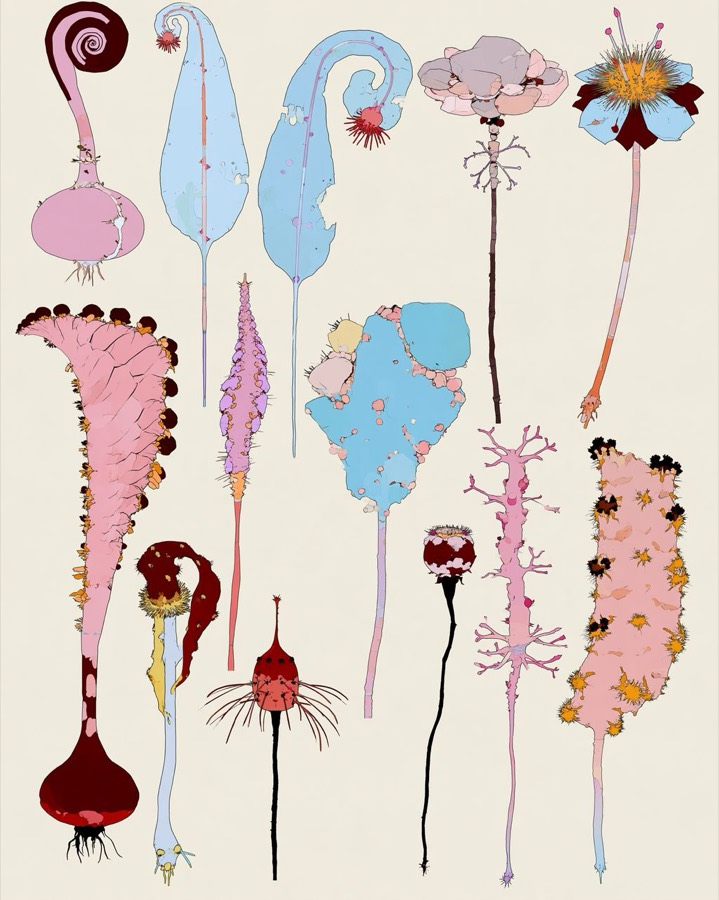
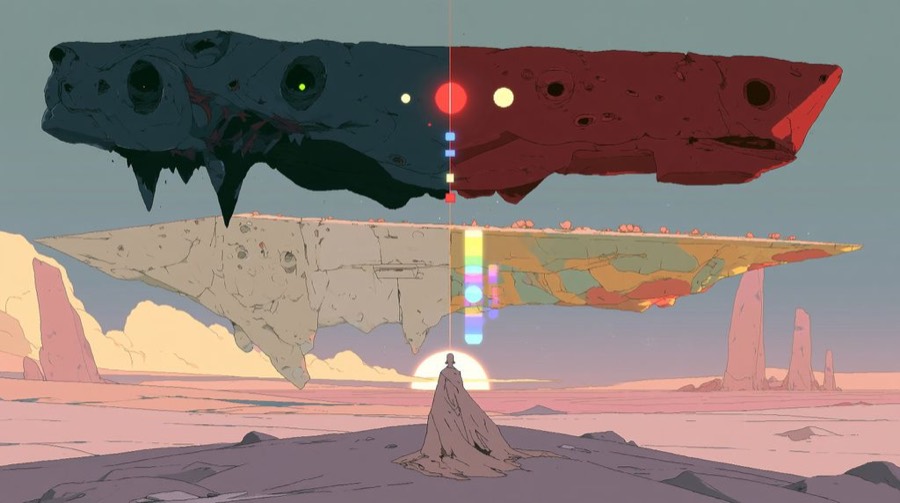
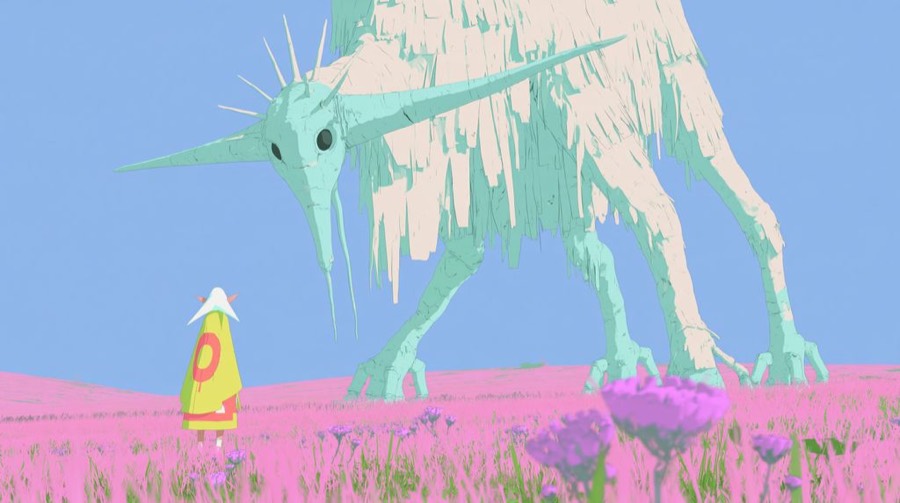
Reverse-prompt, then reuse the skeleton
Give the model one reference (or your best early result) and ask it to describe the image as a prompt in fixed, labelled fields. That description becomes the template for every new scene.
Describe this image as an image-generation prompt with nine labelled fields:
SUBJECT · COMPOSITION · FRAME (aspect ratio, what is cropped) · CAMERA (angle, lens feel, focus, light) · TEXTURES · STROKES · ART STYLE · COLOURS (hex for every main area) · ENVIRONMENT.
Describe only what is visible. Under 350 words.
Using the world bible, write prompts for moments 1–10 in the same nine fields.
Copy TEXTURES, STROKES and ART STYLE word for word from the reverse prompt.
Pick COLOURS only from the style-bible palette, with exactly one vermilion accent.
Change only SUBJECT, COMPOSITION, FRAME, CAMERA and ENVIRONMENT.
Why it works: the style fields stay identical in every prompt, so they act like a lightweight LoRA you rebuild in text each time. Only the story fields change.
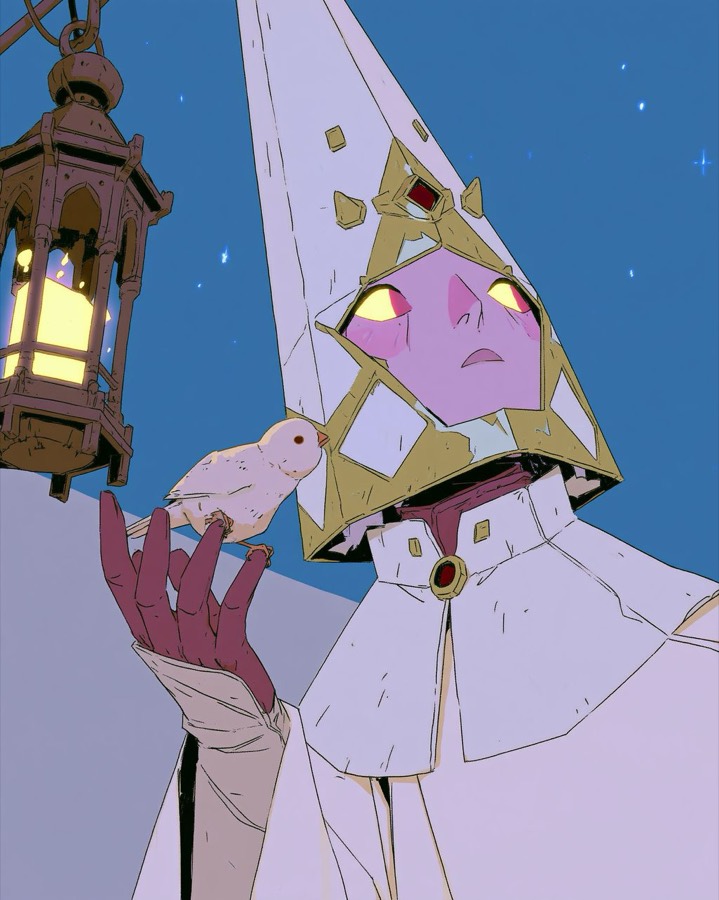
SUBJECT: [who, doing what, one strange detail]
COMPOSITION: [2–3 focal points, main diagonal, empty area]
FRAME: [4:5 or 16:9, what the edges crop]
CAMERA: [angle, lens feel, everything sharp, light source]
TEXTURES: flat fills, fine printed grain, slight off-register edges, matte
STROKES: thin uneven black ink, broken outlines, hatching on metal
ART STYLE: 1970s French science-fiction comic, clear-line drawing, flat colour
COLOURS: [3–6 hex from palette] + one vermilion accent
ENVIRONMENT: [place, time of day, sky]
Generate in batches in Grok
- Open grok.com/imagine and switch the composer to Agent mode.
- Drop all the references onto the canvas.
- Paste the style bible once, then send the line below.
- Paste one nine-field prompt per image and ask for several variants of each.
- Stay in the same project, because the agent holds the style inside one canvas. A new chat starts from zero.
These images and this style bible are the locked style for everything in this project. Apply them to every image unless I say otherwise. Confirm in one line.
Why it works: Agent mode keeps the references in context for the whole canvas. That's in-context conditioning. No model training happens.
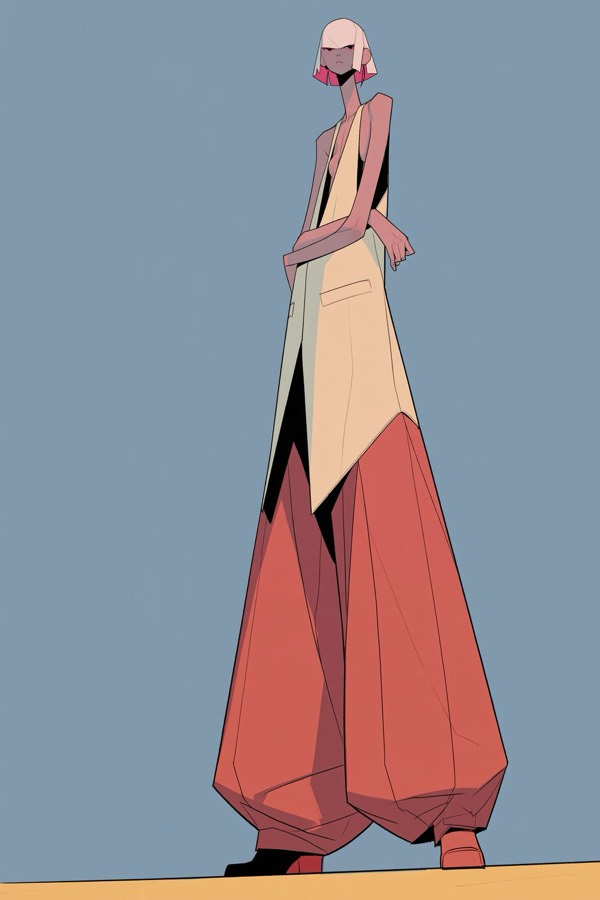
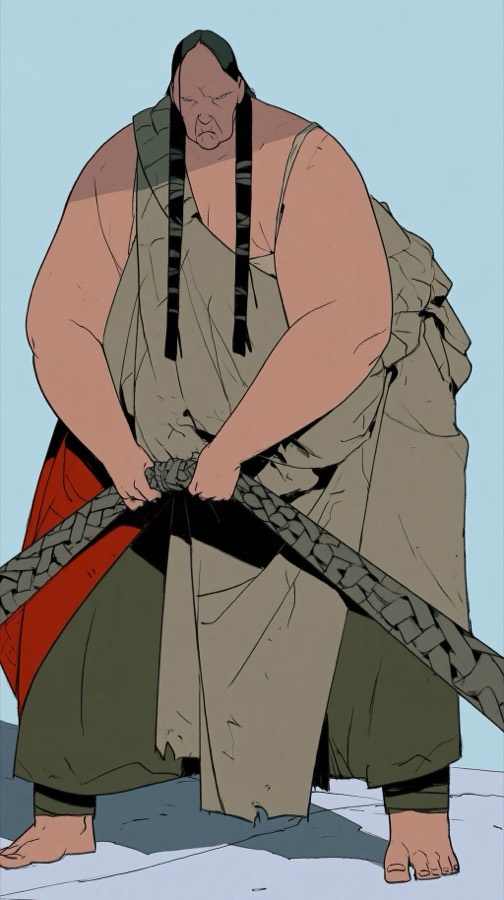
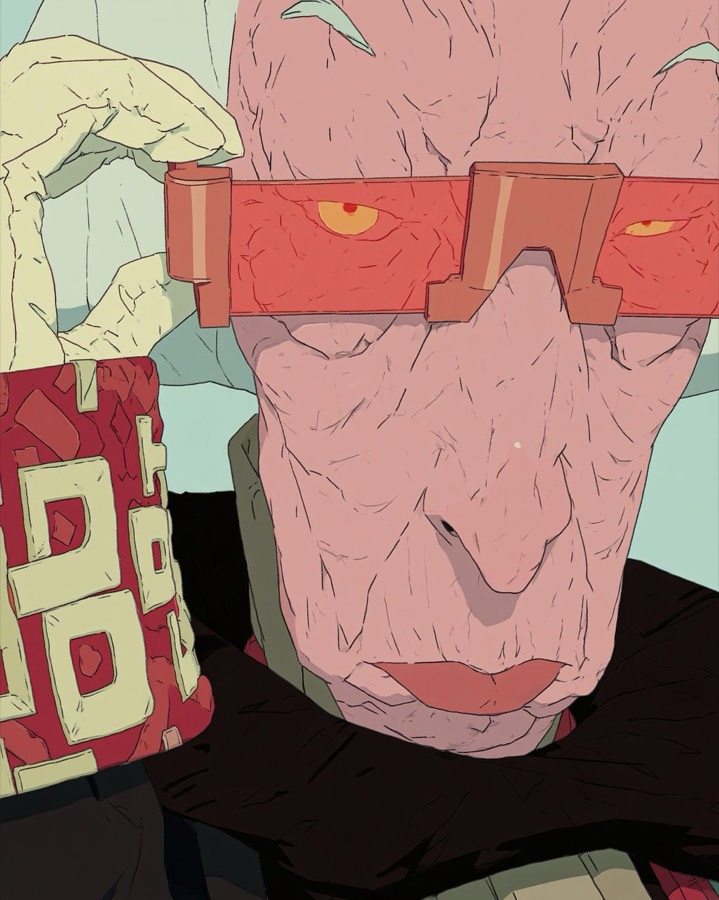
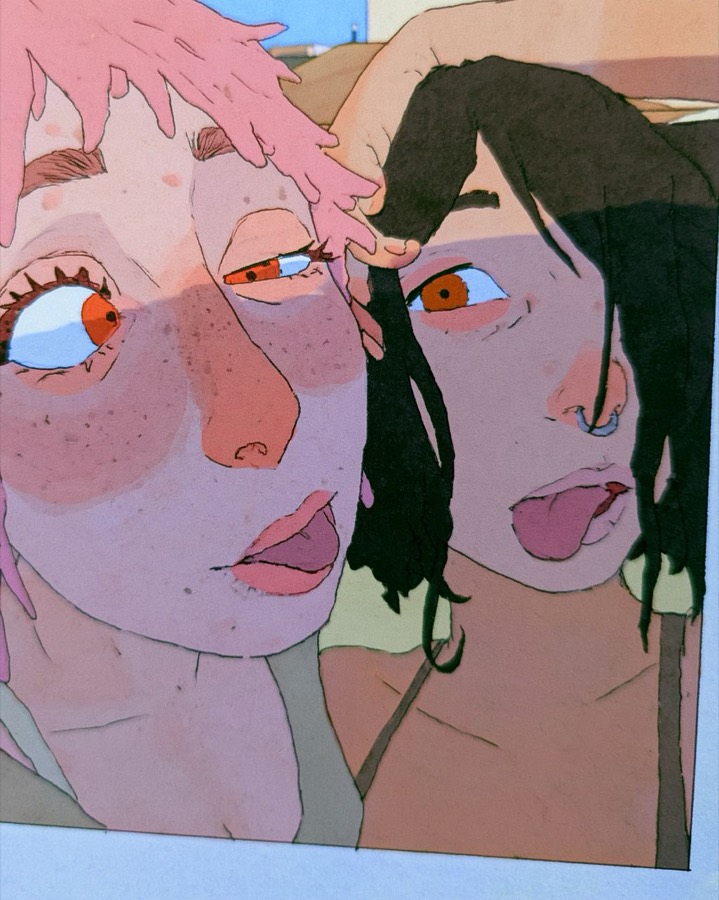
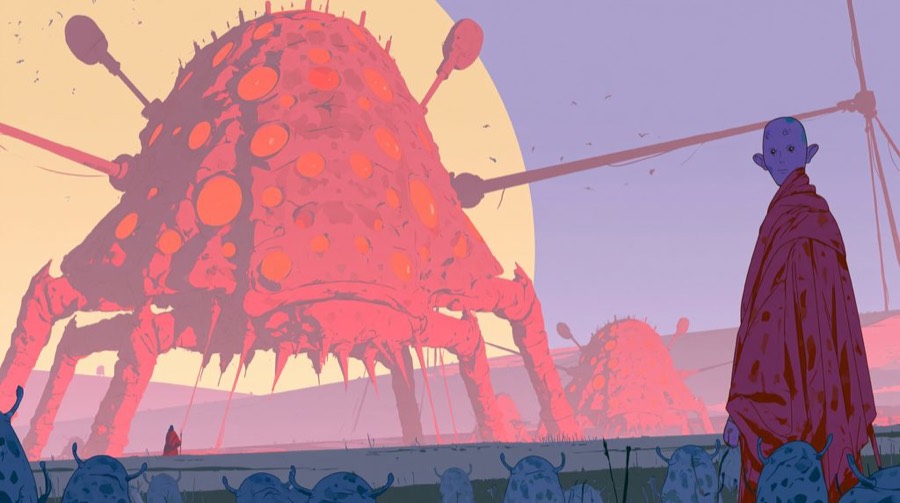
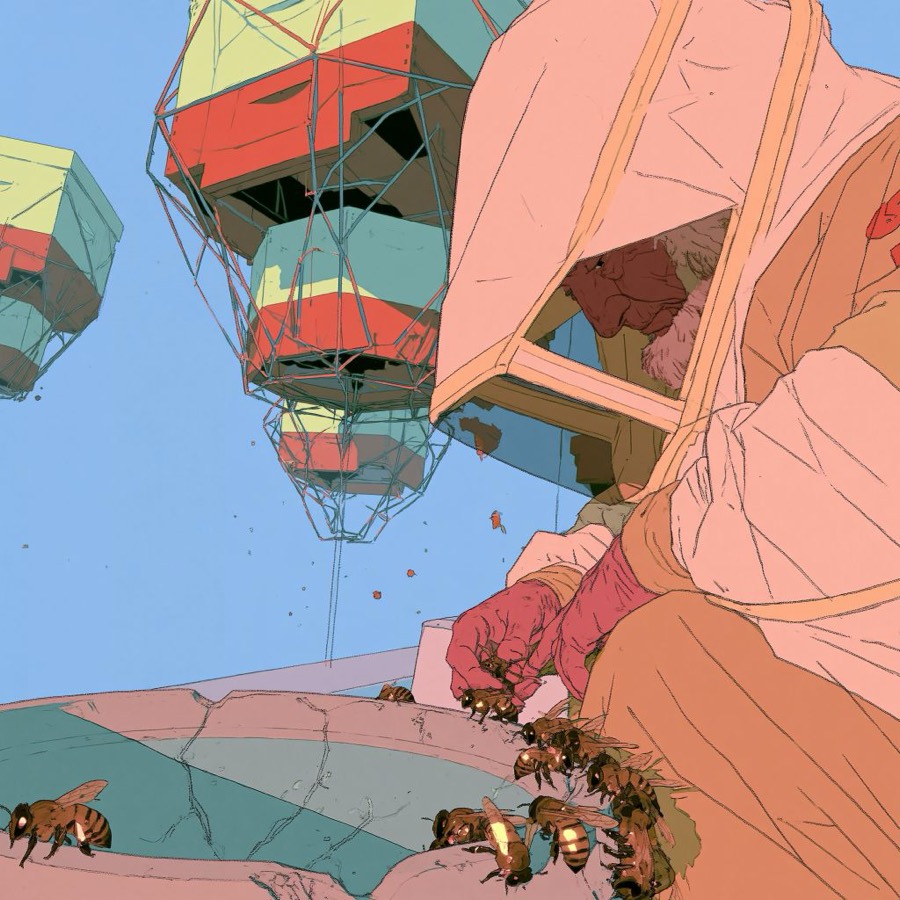
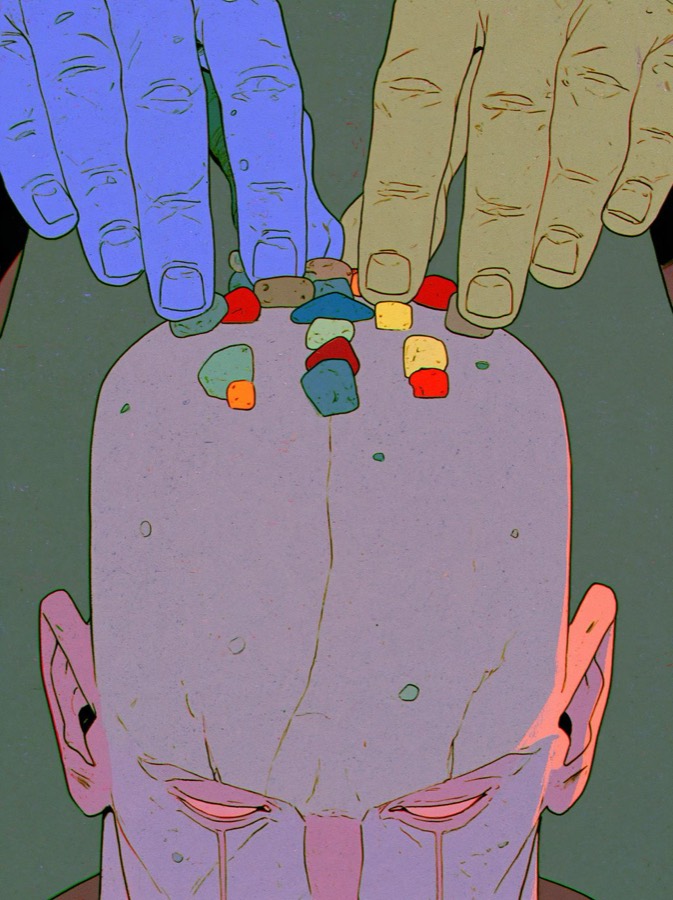
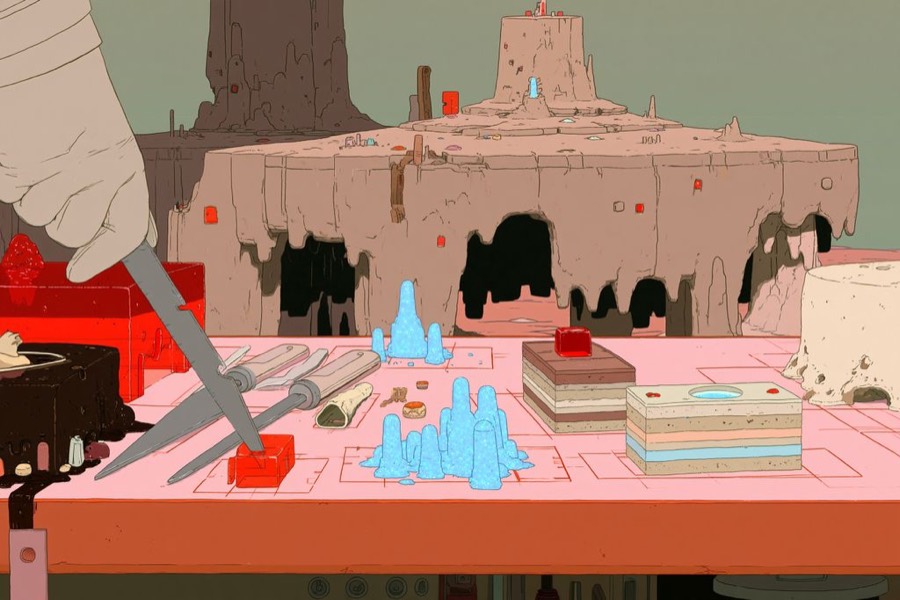
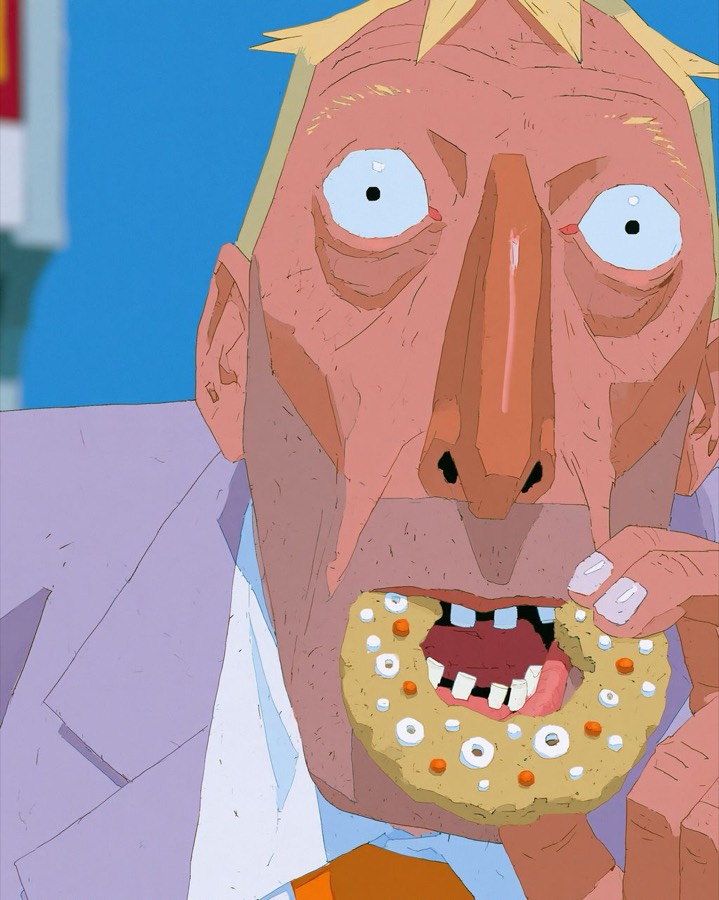
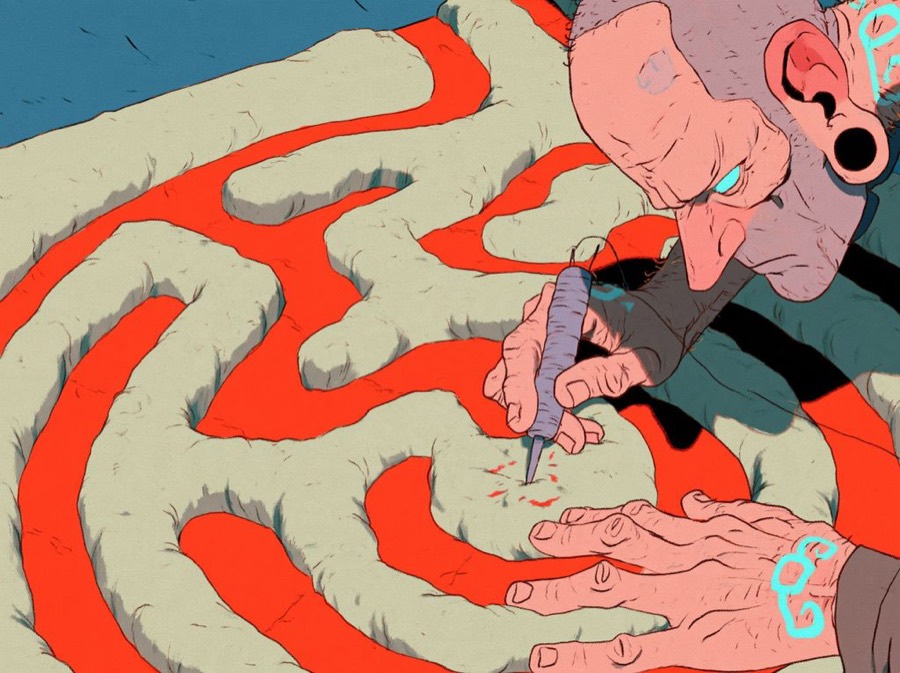
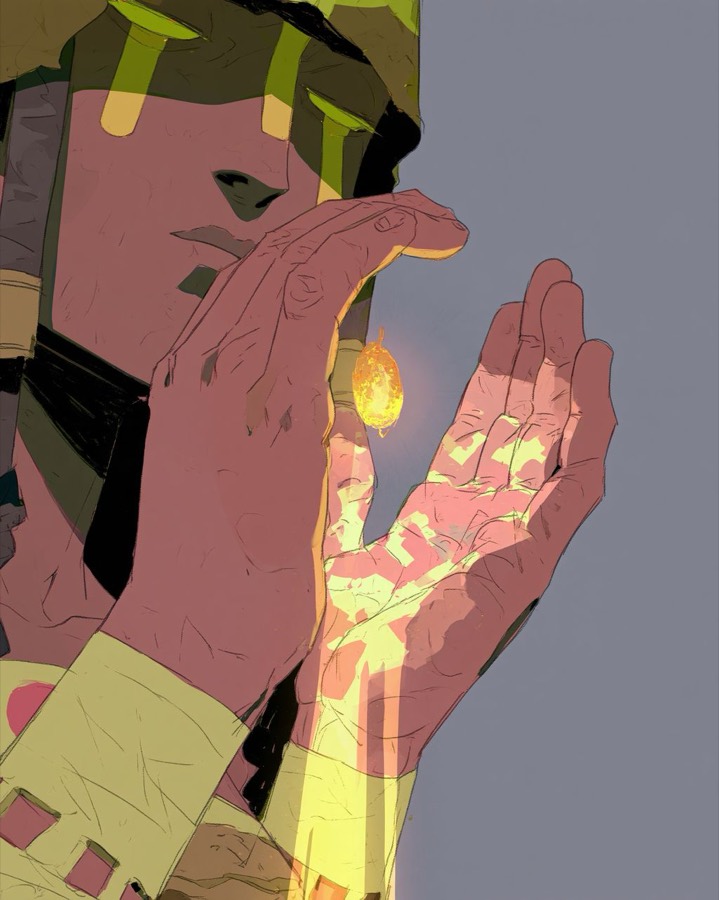
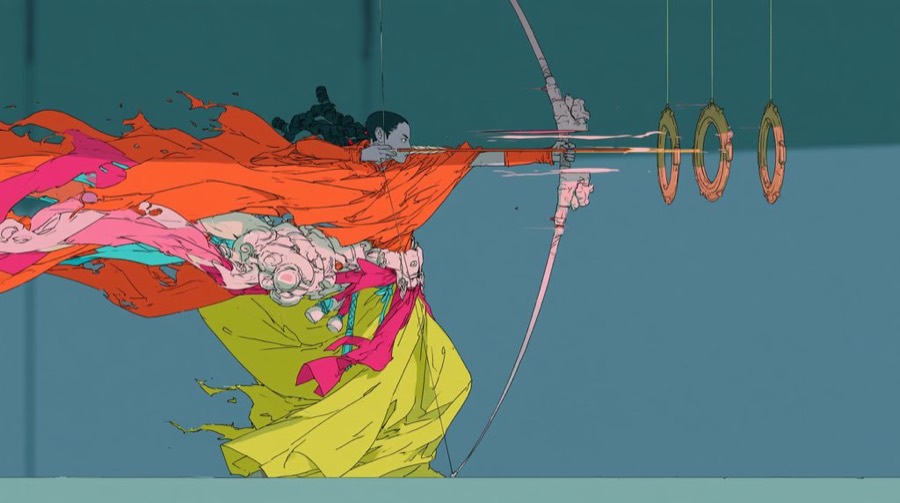
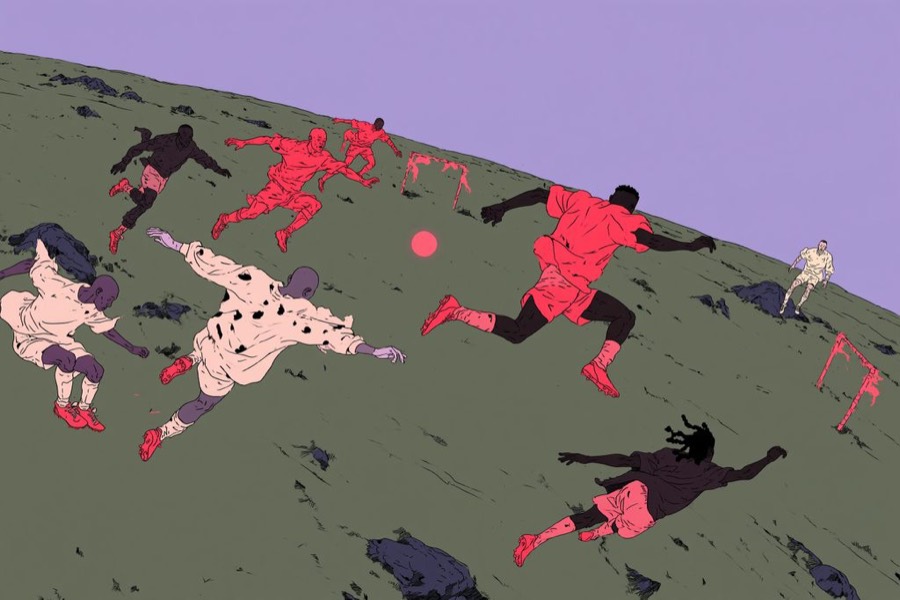
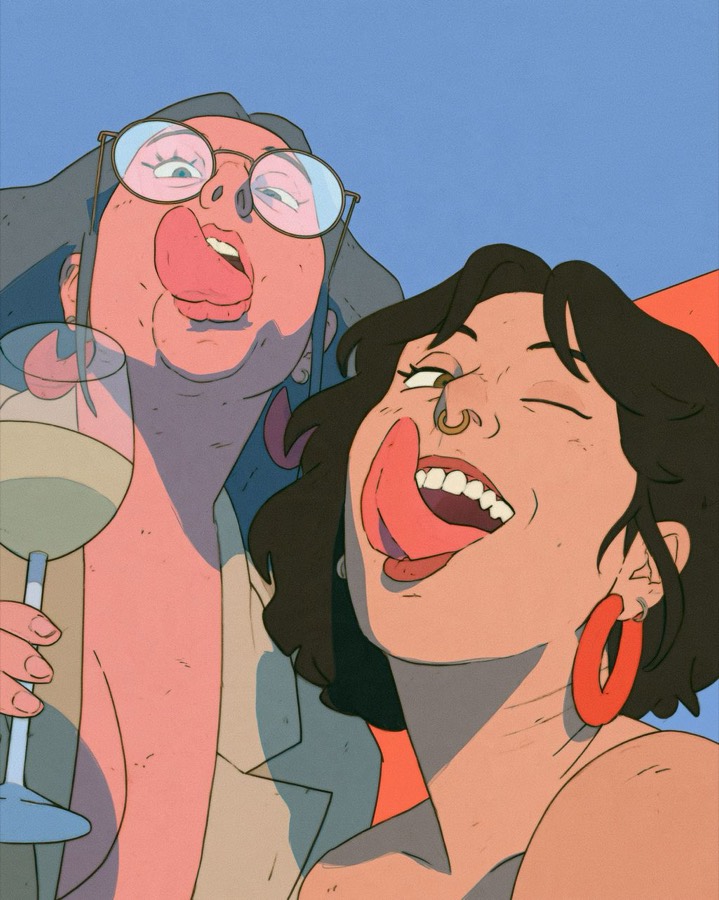
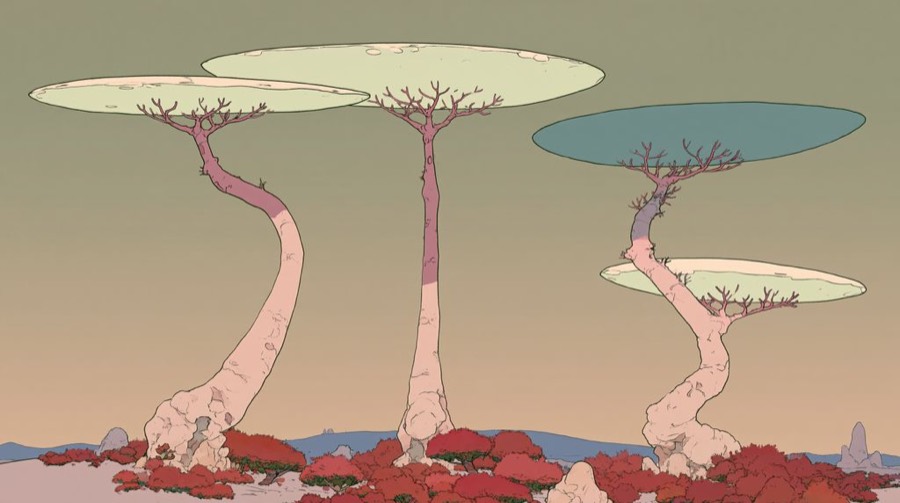
Cull hard
Expect to throw most results away. This is the only step that needs a human eye, and it takes taste, not drawing skill. Check every image against this list:
- Colours come from the palette, with one accent and little black.
- It has ink outlines and flat fills, with no glossy 3D look and no soft gradients.
- Grain is visible inside the flat colour.
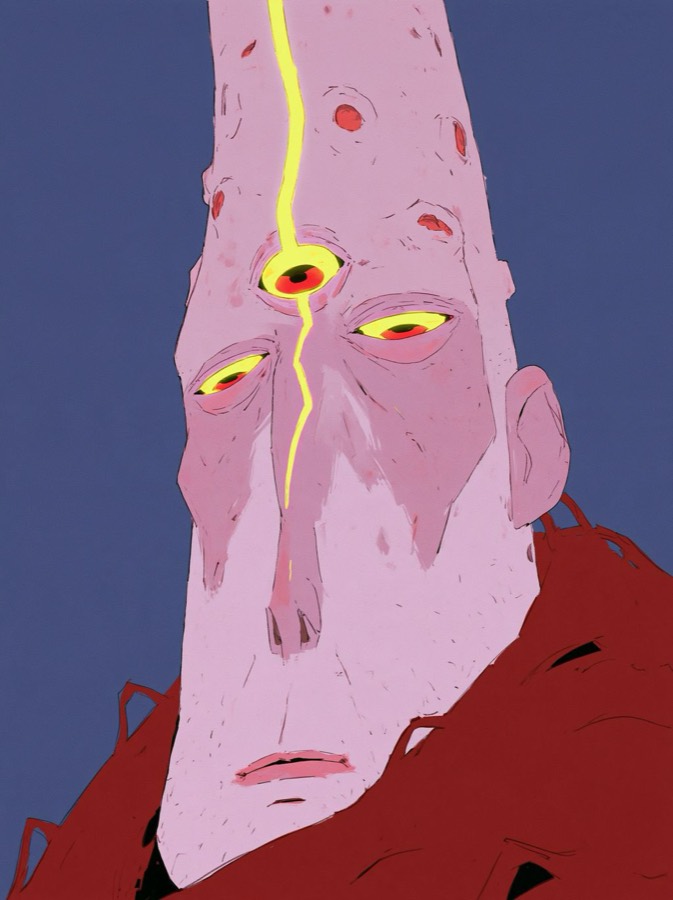
- Hands, eyes and teeth hold up when you zoom in.
- No stray text, watermarks or brand logos.
- It could plausibly happen in the world bible.
If a whole batch drifts, don't fix it image by image. Paste the style bible again, or start a fresh canvas with the references.
Here are 12 generations and the style bible. Score each 1–5 on palette, linework, texture and world fit. List the failures in one line each. Rank them best to worst.
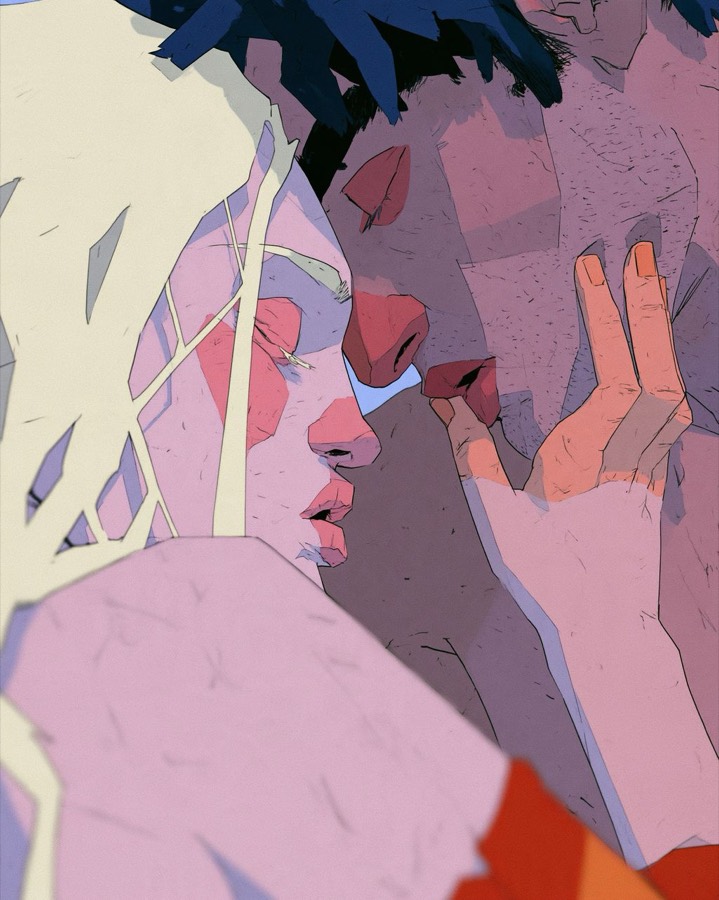
Animate the keepers
Select an image on the canvas and ask the agent to animate it, or switch the composer to Video. The still becomes the first frame.
- Give each clip one movement, made by the character itself.
- Lock the camera, or let it drift slowly. Fast camera moves break the drawn look.
- Make three or four takes and keep the one that reads in the first second.
Animate this image. [Character] slowly [one action]. The camera stays locked. Keep the flat colours, ink lines and grain exactly as they are. Add no new objects.
You can have the model write these too: "For each image, suggest one movement the character would make, in eight words or fewer."